
Getting set up
What you need at home
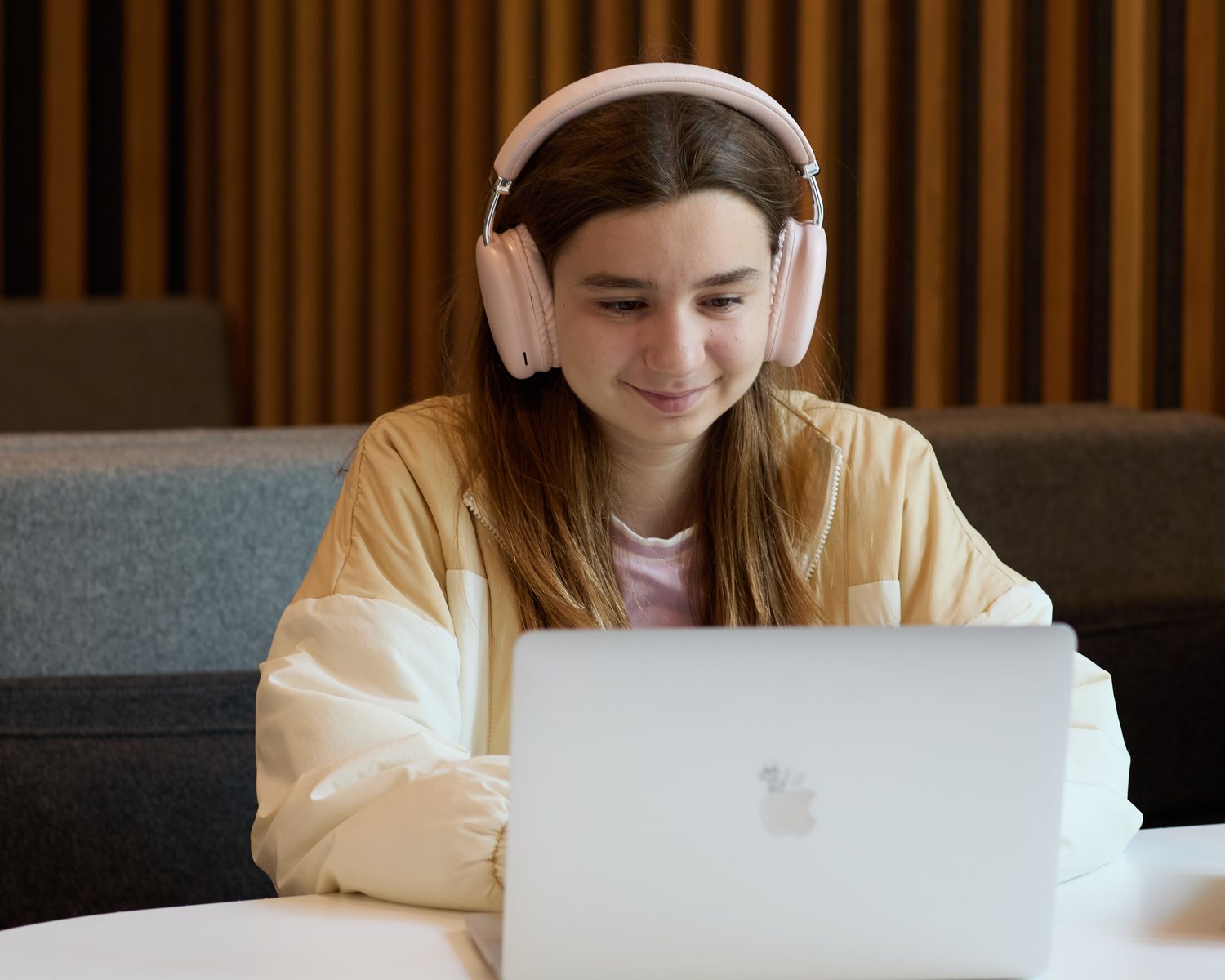
You almost certainly already have it. Most families join IWS on the laptop they own, with a headset that costs less than a takeaway.
- 7 yearsHow old a laptop can be
- 5 MbpsDownload speed we ask for
- NothingTo download or install
What computer does my child need for online school?
Almost any laptop or desktop made in the last seven years will run IWS lessons. Live lessons are taught through BigBlueButton, which runs inside a normal web browser, so there’s nothing to install.
A machine with 4GB of memory running a current version of Chrome, Edge or Firefox is enough, and a broadband connection of 5 Mbps download is comfortable.
Three things affect a lesson most: a wired headset with a microphone, a stable connection rather than a fast one, and a keyboard your child can type on for written work.
Check the device you’re reading this on.
This runs entirely inside your browser. Nothing is sent to us, nothing is stored, and you won’t be asked for permission to anything.
- Check yourself
Browser and lessons
Open Chrome, Edge, Firefox or Safari and check it’s up to date. A current browser is all a lesson needs.
- Check yourself
Memory
We ask for 4GB. Almost any laptop or desktop from roughly the last seven years has it.
- Check yourself
Connection
We ask for 5 Mbps down. Run any speed test from where your child will sit, and look for a steady result rather than a big one.
- Check yourself
Microphone
Any headset with a microphone works. A wired one is better than any laptop speaker.
- Check yourself
Camera
A built-in webcam is enough. Most laptops have one already.
Work down the five checks above. If they all look right, your child’s ready.
Two things we can’t check from here
A wired headset with a microphone
If you buy one thing, buy this. Any wired model does the job, whatever it costs.
A keyboard for written work
It matters more as your child gets older. At Cambridge IGCSE and A Level, written work is long.
The full specification
| What | Minimum | Recommended |
|---|---|---|
| Computer | Any laptop or desktop from roughly the last seven years | Bought within the last four years |
| Operating system | Windows 10, macOS 11, ChromeOS or a current Linux | Windows 11 or macOS 13 |
| Memory | 4GB | 8GB or more |
| Browser | Current Chrome, Edge or Firefox | Chrome or Edge, set to update automatically |
| Download speed | 5 Mbps | 25 Mbps or more |
| Upload speed | 1 Mbps | 5 Mbps or more |
| Microphone | Any headset with a microphone | A wired USB headset |
| Camera | Built-in webcam | 720p or better |
Our minimums sit deliberately above what the lesson software itself needs. BigBlueButton will run on 1 Mbps download and 0.5 Mbps upload, and on audio alone it uses almost nothing. We ask for more because a family home rarely has only one device on the connection at four o’clock in the afternoon.
What else is worth knowing?
A headset makes the biggest difference
Open laptop speakers feed the teacher’s voice back into the microphone, and the echo disrupts the lesson for everyone in it, not just your child. It’s the single most common problem we see, and a wired headset of any price fixes it permanently.
A steady connection helps most
A steady 10 Mbps is better than an unreliable 100. Upload speed matters more than most families expect, because that’s what carries your child’s voice and camera outward. Moving closer to the router solves more problems than upgrading a broadband package.
Some home networks block lessons
If your child can see and hear the lesson but can’t be heard, that’s usually the network refusing the audio connection rather than a broken device or microphone. It’s common, it’s fixable, and our team can talk you through it.
Can my child use a tablet?
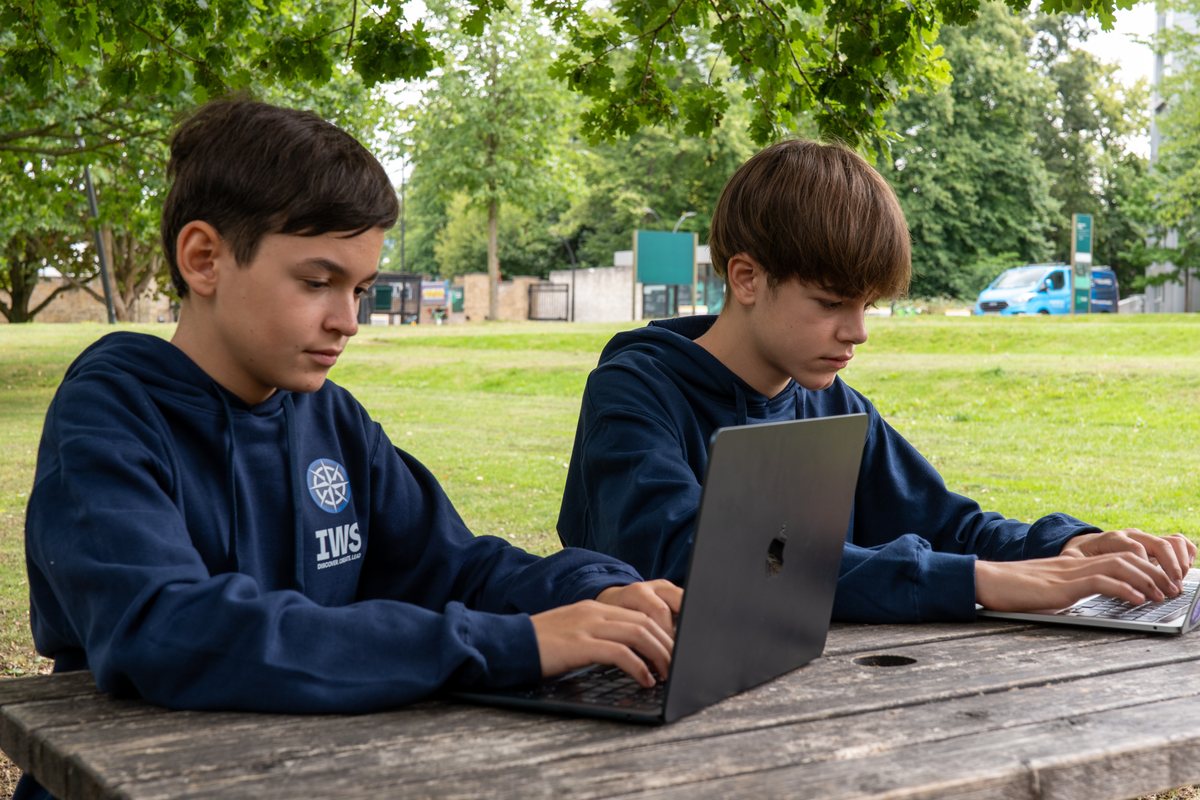
Yes, and for younger students it often works beautifully. An iPad running iPadOS 15 or later, or an Android tablet on Android 11 or later, with a screen of ten inches or more, will join lessons, play back recordings and complete quizzes without trouble.
Works well on a tablet
- Joining and taking part in live lessons
- Watching a teacher share their screen
- Reading, quizzes and short written answers
- Primary School and Secondary School (Key Stage 3), most days
Needs a laptop instead
- Sharing your child’s own screen with a teacher, which neither iPad nor Android tablets support
- Long written coursework and past papers
- Cambridge IGCSE and A Level work, day to day
A tablet is a good companion and a poor replacement, and the older your child gets the more that matters.
Is what you have enough?
Tell us what your child would be using and we’ll tell you whether it will work, before you buy anything.